Rathvoria — Your Intelligent Digital Workspace
Rathvoria brings together data analysis, structured insights and a guided interface so you can organise, review and act on information with confidence.

About the Platform
What Is Rathvoria?
Rathvoria is a structured AI platform designed to help users process and review information effectively. The platform combines an intelligent interface with automated tools to support day-to-day digital workflows. Whether you need to analyse data, review structured reports or interact with an automated assistant, Rathvoria provides a clear, organised environment to do so.

A Platform Built Around Clarity
Rathvoria is structured around a straightforward principle: users should be able to interact with data and digital tools without unnecessary complexity. The platform presents information in organised dashboards, provides automated insights and offers a clear access-request process so anyone can get started.
The Rathvoria interface guides users through each step — from onboarding to regular use — with a support team available if questions arise.
Learn More About RathvoriaCore Capabilities
What Rathvoria Offers
The Rathvoria platform combines several key capabilities into a single, cohesive digital environment.
Data Analysis
Upload or connect your data sources and let Rathvoria process them into clear, readable summaries. The analysis engine highlights patterns and organises results for easy review.
Automated Insights
The platform generates structured signals based on available data, surfacing relevant information at the right moment so you spend less time searching and more time deciding.
Personal Dashboard
Each Rathvoria user receives a personalised information dashboard that organises their data, recent activity and platform updates in one convenient place.
Secure Digital Interface
The Rathvoria interface uses a secure access layer to ensure that user data and interactions remain protected throughout the session.
Guided Access Process
New users follow a straightforward onboarding request process. The platform guides you through each step and the support team reviews requests in order.
User Support
The Rathvoria support team is available by email, phone and contact form to answer questions about platform access, features or account matters.
How It Works
A Streamlined Digital Workflow
Rathvoria is designed to reduce the friction that typically comes with complex data tools. The platform's automated interface handles repetitive processing tasks, surfaces structured insights and presents them in formats that are straightforward to act on.
Users can interact with the intelligent assistant, review platform outputs, adjust their dashboard preferences and contact support — all from within the same unified environment.
See All Features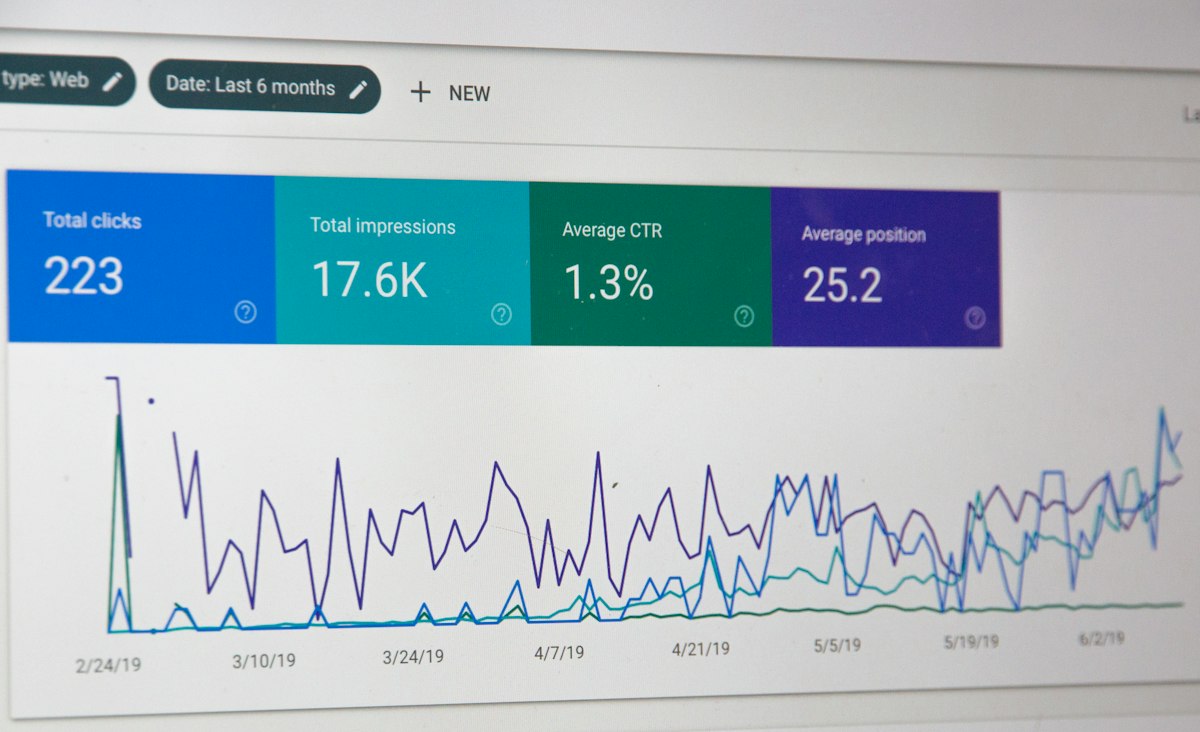
How to Request Access to Rathvoria
Access to the Rathvoria platform is granted through a guided onboarding request process. Complete the steps below to get started.
- Visit the Contact page and submit an access request using the form provided.
- The Rathvoria support team reviews your request and may follow up for clarification.
- Once your request is processed, you will receive onboarding information by email.
- Log in to your personalised dashboard and begin exploring the platform's capabilities.
Submit an Access Request
Explore Rathvoria
Learn More
About Rathvoria
Read a full overview of the platform, its capabilities and what users say about the Rathvoria experience.
Go to AboutPlatform Services
Explore how Rathvoria's features work, from data analysis to the guided access process and personalised insights.
Go to ServicesContact & Support
Reach the Rathvoria support team, submit an access request or ask a question about the platform.
Go to Contact